Duplicator Pro
Load a site backup over an existing site.
- Download the latest duplicator pro backup of the source site. This will include the site content in compressed format and a php file named ‘installer.php’.
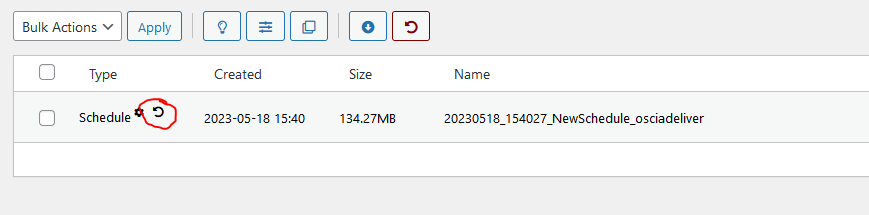
- Log on to the WP dashboard on the destination site. Select Duplicator Pro / Packages. Confirm that there is a restore point saved for the destination site in case there is a problem.
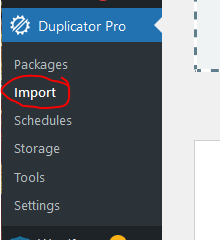
- Log on to the WP dashboard on the destination site. Select Duplicator Pro / Import
- Upload the backup files from the source site to the destination site. You can use the plugin
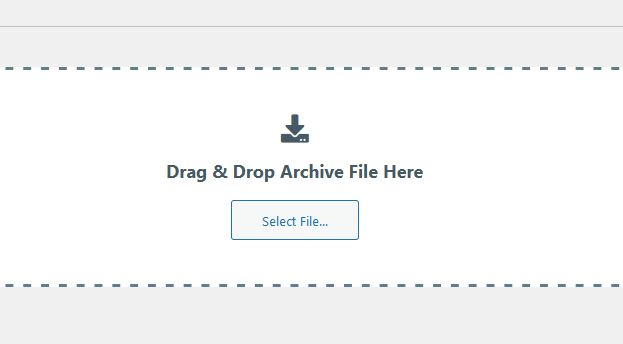
or FTP directly to ‘\wp-content\backups-dup-pro\imports’.
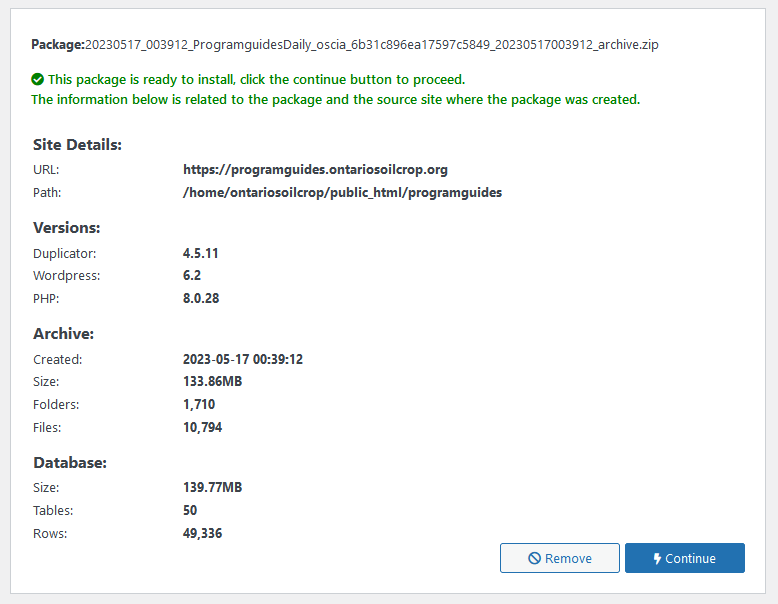
- Once the upload is complete, details regarding the archive are displayed. Click ‘Continue’.
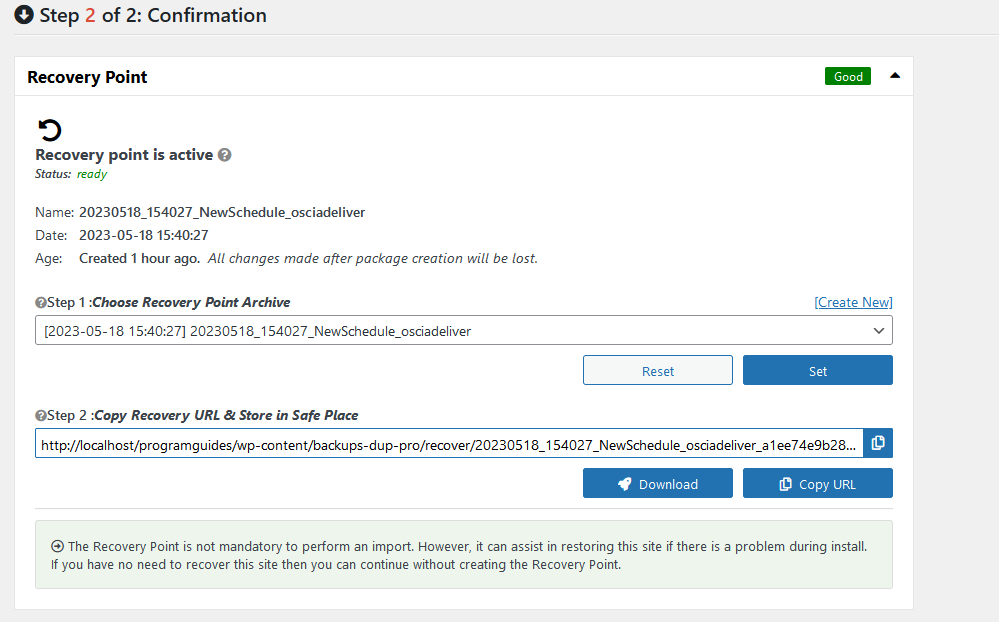
- The next page will display any errors or warnings with regard to this archive. From here you can set up and save the URL for a recovery point.
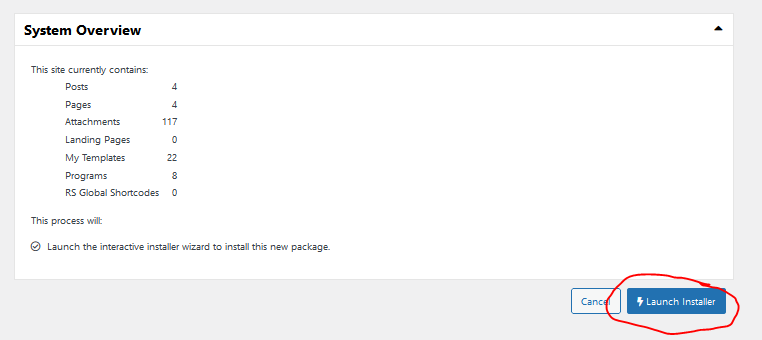
- Click “Launch Installer” to begin the installation process.
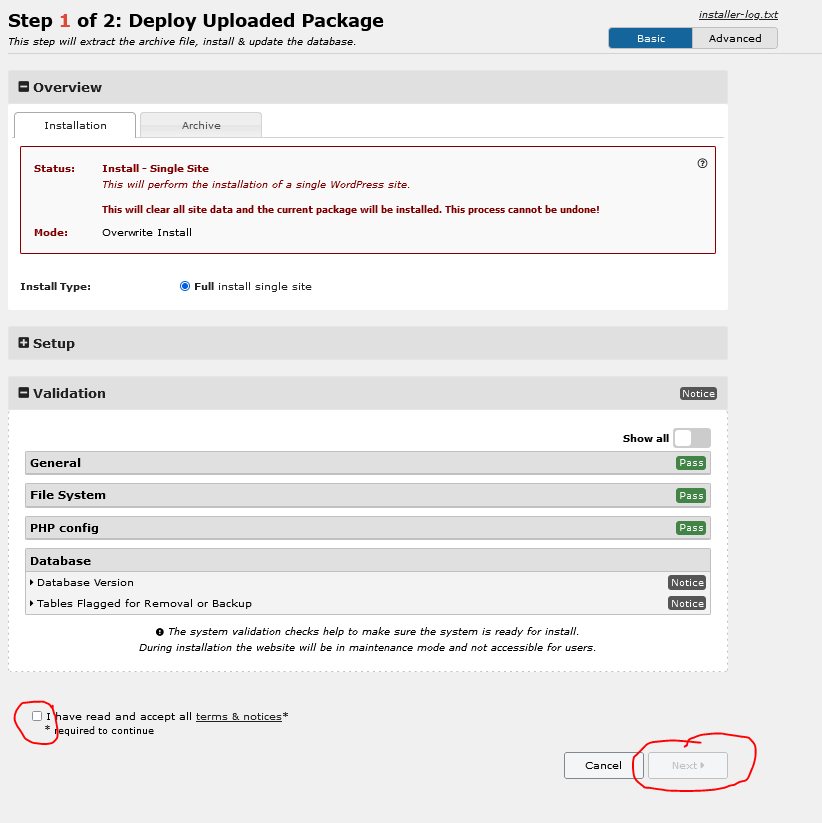
- Check for any errors or warning and correct if necessary. When ready check ‘I agree’ And click ‘Continue’.
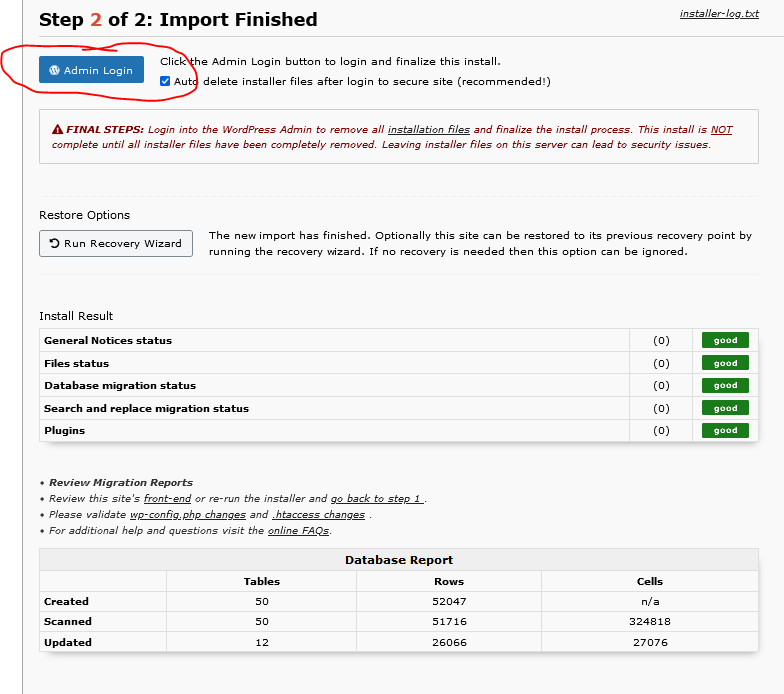
- Once the installation is complete a report will display any errors during the installation. Click “Admin Login’ to log into the newly installed site and Duplicator Pro will remove the installation files at this point.